
Help / Add an allergy
Add an allergy
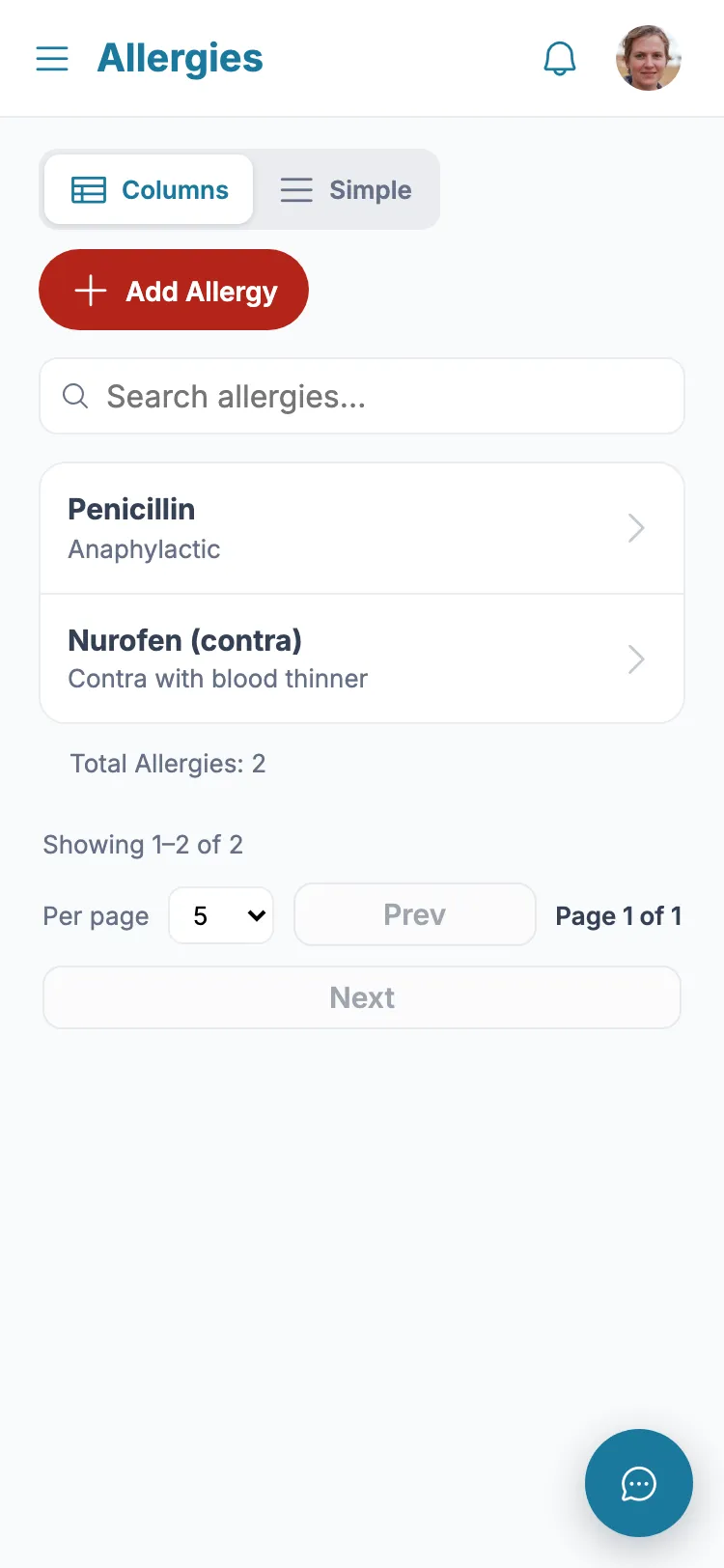
Allergies show prominently so anyone helping can see them quickly.
- 1 From the menu, tap "Allergies".
- 2 Tap "Add Allergy".
- 3 Enter what the person is allergic to.
- 4 If it can cause anaphylaxis, mark it - a warning will show on the dashboard.
- 5 Add any notes, then tap Save.
Still stuck?
Ask the in-app assistant your question in plain English and get a step-by-step answer from these guides – never medical advice.