
Help / Add a practitioner
Add a practitioner
Practitioners you save here can be linked to diagnoses, appointments, referrals and test results.
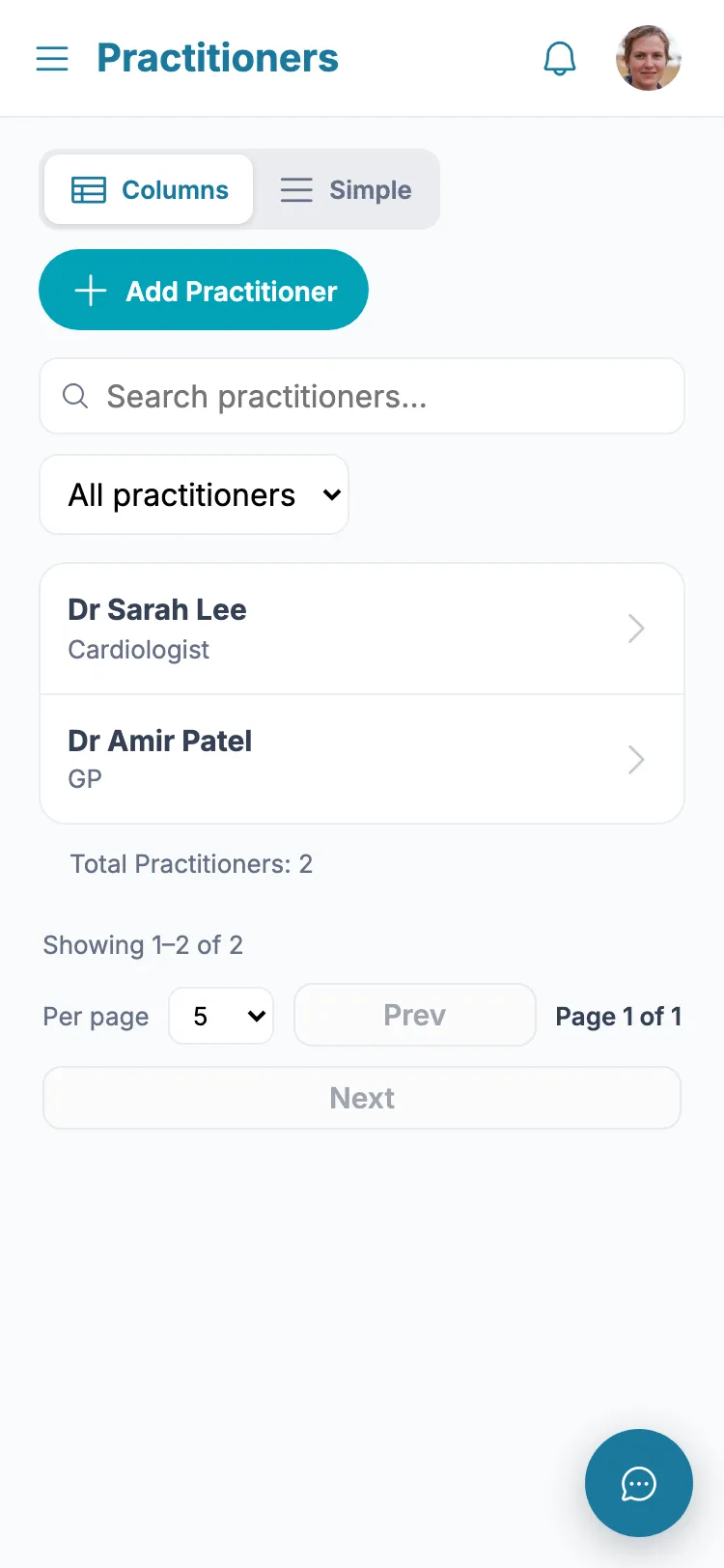
- 1 From the menu, tap "Practitioners".
- 2 Tap "Add Practitioner".
- 3 Enter their name, specialty, clinic, phone and email.
- 4 Tap Save.
Tip: If you stop seeing a practitioner, open their card and switch the toggle to Inactive - they are hidden from new pickers but stay on past records.
Still stuck?
Ask the in-app assistant your question in plain English and get a step-by-step answer from these guides – never medical advice.