
Help / Add an appointment and assign a carer
Add an appointment and assign a carer
Assigning a carer sends them the details and a calendar invite, so the right person is there.
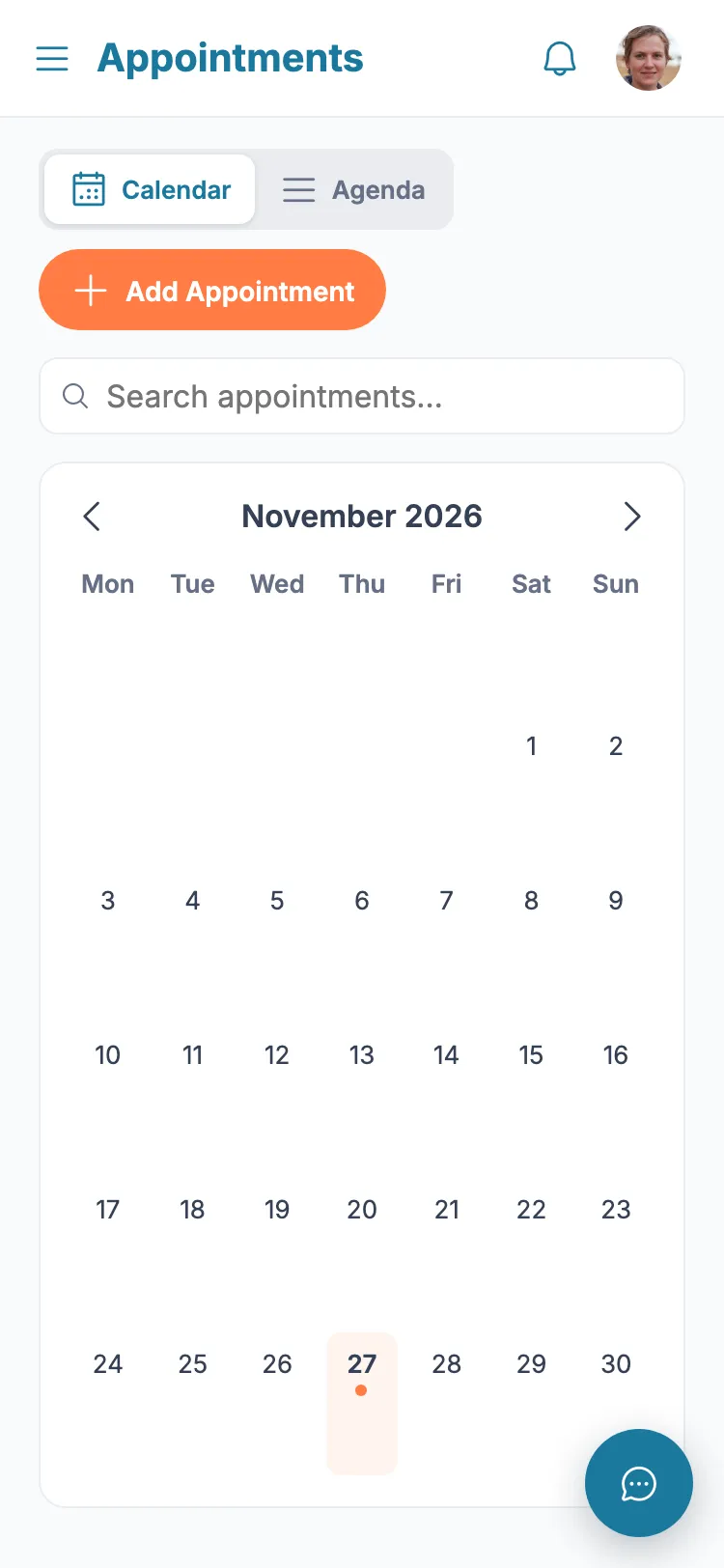
- 1 From the menu, tap "Appointments".
- 2 Tap Add.
- 3 Set the date, start and end time, and the event name.
- 4 Optionally choose the practitioner.
- 5 Under "Assign to a carer", pick a family member to make responsible.
- 6 Tap Save.
Tip: The assigned carer gets a notification, an email, and a calendar invite they can add to their own calendar.
Still stuck?
Ask the in-app assistant your question in plain English and get a step-by-step answer from these guides – never medical advice.