
Help / Add a diagnosis and its medication
Add a diagnosis and its medication
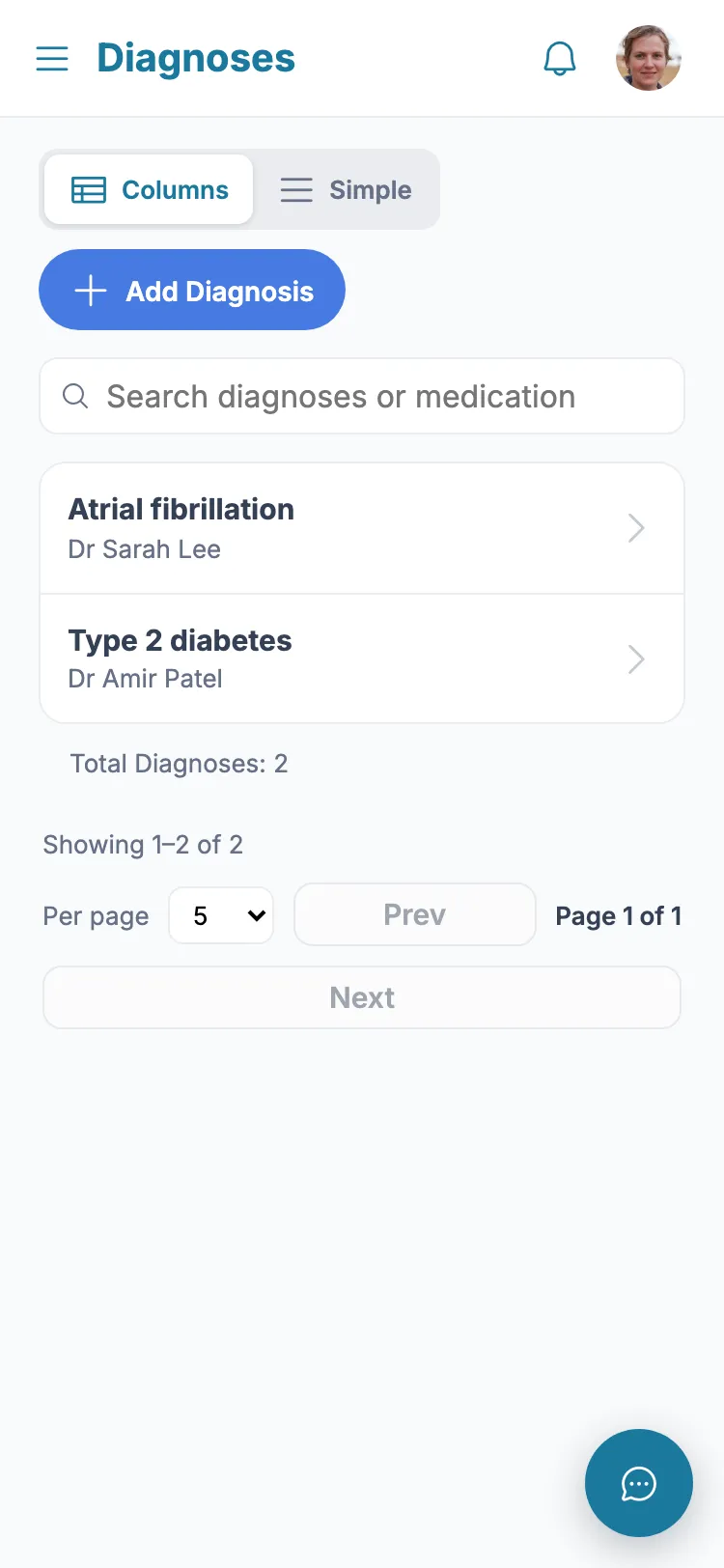
Diagnoses and their medications live together, so everything about a condition is in one place.
- 1 From the menu, tap "Diagnoses/Medication".
- 2 Tap "Add Diagnosis".
- 3 Enter the diagnosis name and, if you know it, the date it was diagnosed.
- 4 Optionally choose the treating practitioner from the list.
- 5 Tap Save.
- 6 To add a medicine, open the diagnosis and tap "Add medication".
- 7 Enter the medicine name and dose. Leave "Still being taken" ticked, or untick it if it has stopped.
- 8 Tap Save.
Tip: Medicines that have stopped stay on the record but show as struck-through, so you keep the history.
Still stuck?
Ask the in-app assistant your question in plain English and get a step-by-step answer from these guides – never medical advice.